
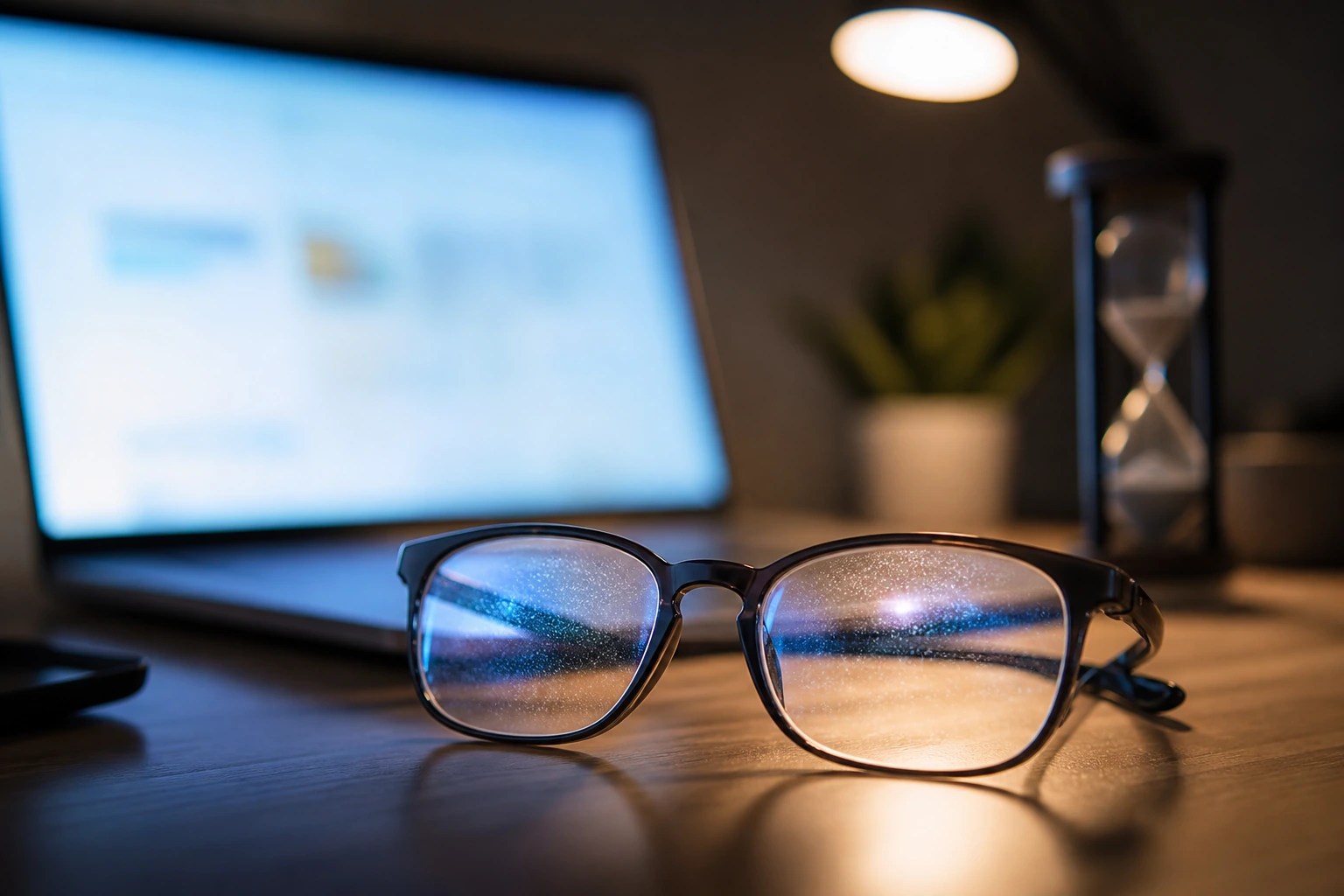
If you grew up listening to your parents tell you to move away from the TV screen because you’ll ruin your eyes, you probably rolled them in response. The fact is, prolonged screen time can have an effect on your eyes if you aren’t careful. The good news is that there are plenty of steps you can take to prevent screen time from affecting the health of your eyes. Here at Classic Vision Care, Dr. Mital Patel helps her patients in Kennesaw, Marietta, and Atlanta, Georgia, battle computer vision syndrome with some simple, common-sense measures. If you think you’re ruining your eyes with too much screen time, read on.
On the screen
If you try to imagine a day during which you don’t look at a single screen, it’s almost impossible to fathom. From the phone in your hand to the computer on your desk, you spend an increasing amount of time staring at screens; and you aren’t alone. Many adults now spend most of their waking hours looking at a screen. Although screen time is unavoidable, how you sit in front of, and look at, your screen can make a big difference in warding off computer vision syndrome.
The screen effect
Computer vision syndrome is a catchall term for a number of problems that stem from too much time in front of a screen. If you spend hours a day staring at tiny pixels, your eyes strain from the effort, which can lead to headaches, blurry vision, dry eyes, and neck and shoulder pain. Let’s start with your posture. Many people stare down at small screens on their phone throughout the day or use laptops and monitors that aren’t positioned high enough, causing your neck and shoulders to hunch. Screens are also at a constant distance, so your eyes aren’t working to continually focus and refocus, which is what they’re designed to do. Screens also stop you from blinking as much as you should. Your eyes need hydration and nourishment at all times, which is why we blink so often. When you’re staring at a screen, you tend to blink far less, which can cause your eyes to dry out. The final problem with screens is the persistent glare. Many people work with screens that are too bright or in a place where the lighting isn’t right. This leads to dull and painful eye strain over time.
Taking action
Whether you’re already feeling the effects of computer vision syndrome or you want to prevent it in the first place, here are five quick tips:
- Come in for a comprehensive eye exam, so we can make sure you have the correct corrective lenses, which even come with anti-glare features. Our doctors also offer computer glasses for those who don’t wear corrective lenses.
- Practice the 20-20-20 rule where you look up from your screen every 20 minutes and focus on something 20 feet away for 20 seconds.
- Be mindful of blinking. As you look at a screen, remember to blink because you likely aren’t doing it enough.
- Better lighting goes a long way toward easing eye strain. You can adjust your screens to minimize glare, and you should get rid of fluorescent lights and replace them with more natural lighting in your work space. Your screen should blend with the surrounding lighting, not pop out.
- Heads up. Most people hunch in front of screens, which wreaks havoc on your entire body. Set the top of your monitor at or slightly below eye level so you look about 15 to 20 degrees down at the center of the screen, and hold your phone a comfortable distance away instead of bending your neck over it.
So, to answer the question posed in the title of this blog - Are you ruining your eyes with too much screen time? - we hesitate to say “ruin.” Screens can, and do, cause considerable strain and discomfort and lead to wider problems, so you’d do well to take a few simple steps to prevent this from happening. If you have more questions, please don’t hesitate to call us. Or you can use the online scheduling tool on this website to request an appointment.
You Might Also Enjoy…
 Is Squinting Bad for Your Eyes? If you find yourself squinting throughout the day in order to see better, it may be a sign you need glasses. Is continuous squinting bad for your eyes? See how you can correct your vision without squinting.
 5 Common Signs of Dry Eyes Millions of people suffer from dry eyes in the United States alone. Discover five common symptoms and how to prevent and treat this uncomfortable condition to avoid further complications.
 Are Glasses Better than Contacts? Trying to decide between wearing eyeglasses or contact lenses? Consider all the factors, including comfort, ease, and appearance. We’ve compiled a list of pros and cons to help you see your way through this significant decision.
 Why Sunglasses are Important All Year Long No doubt you always have your favorite shades close by all summer. But sunglasses protect your eyes all year long, even during darker winter months. Learn how they shield your eyes from harmful ultraviolet (UV) rays any time of year.
 How Astigmatism Affects Your Vision Astigmatism causes a variety of symptoms ranging from blurred vision to eye discomfort and pressure. Understand how a comprehensive eye exam can pinpoint the cause of your symptoms and get your sight back on track.
 Who Is at Risk for Glaucoma? Could you be at risk for glaucoma? The short answer is that everyone, especially seniors, is at risk for glaucoma. Learn how to lessen your odds of losing your sight through early detection and treatment.
Why do we blink less when looking at a screen?
We blink less at screens because focused attention holds the eyes open. Humans normally blink about 15 times a minute. On computers and phones, that drops to about 5 to 7 blinks a minute [1].
Three reasons screens cut your blink rate
- Concentration slows blinking. A review in a peer-reviewed eye journal found blinking is held back by hard mental work and hard-to-read text. Small fonts and low contrast both lower the blink rate [3].
- Blinks get shorter. Many screen blinks are incomplete, so the upper lid never covers the whole eye. Incomplete blinks can let tears break up and evaporate faster [3].
- Glare makes your eyes work harder. A screen that glows brighter than the room adds strain [1].
Do you blink less when looking at a screen on your phone too?
Yes. Phones, tablets, laptops, and gaming all count. Fewer full blinks can leave eyes dry, tired, and burning. Blurry vision, headaches, and neck or shoulder pain often come along with digital eye strain [2]. The good news is that screens do not permanently damage your eyes [1].
How to blink more and ease computer eye strain
- Follow the 20-20-20 rule. Every 20 minutes, look at something about 20 feet away for 20 seconds [2].
- Take a few slow, full blinks at each break. Let your lids close all the way.
- Sit about 25 inches from the screen, roughly arm's length [1].
- Set the center of the screen 15 to 20 degrees below eye level, about 4 or 5 inches [2].
- Cut glare from windows and overhead lights, and match screen brightness to the room [1][2].
- Rest your eyes for 15 minutes after two hours of steady screen use [2].
When screen time needs an eye exam
If dryness or blur lasts past the end of the workday, screen time may not be the whole story. An uncorrected prescription can make screen symptoms worse [2]. At our Kennesaw and East Cobb offices, a comprehensive eye exam checks your vision at your real screen distance. Some people need lenses made for computer distance, and our optical showrooms can fit them [2]. If dry, gritty eyes keep coming back, our dry eye evaluation looks for the cause. We also offer in-office dry eye treatments.
Related reading: computer eye strain, dry eye evaluation, beating digital eye strain, why eye drops stop working.
Sources
- American Academy of Ophthalmology, "Computers, Digital Devices, and Eye Strain" (June 27, 2024)
- American Optometric Association, "Computer Vision Syndrome."
- Sheppard AL, Wolffsohn JS. "Digital eye strain: prevalence, measurement and amelioration." BMJ Open Ophthalmology 2018;3:e000146. (full text read from the author repository PDF, https://publications.aston.ac.uk/id/eprint/33444/1/e000146.full.pdf)
